AutoEdit by ELEVEN PERCENT
← Learning hub
Comparison

Event Recap Mode vs B-Roll Selector for Weddings

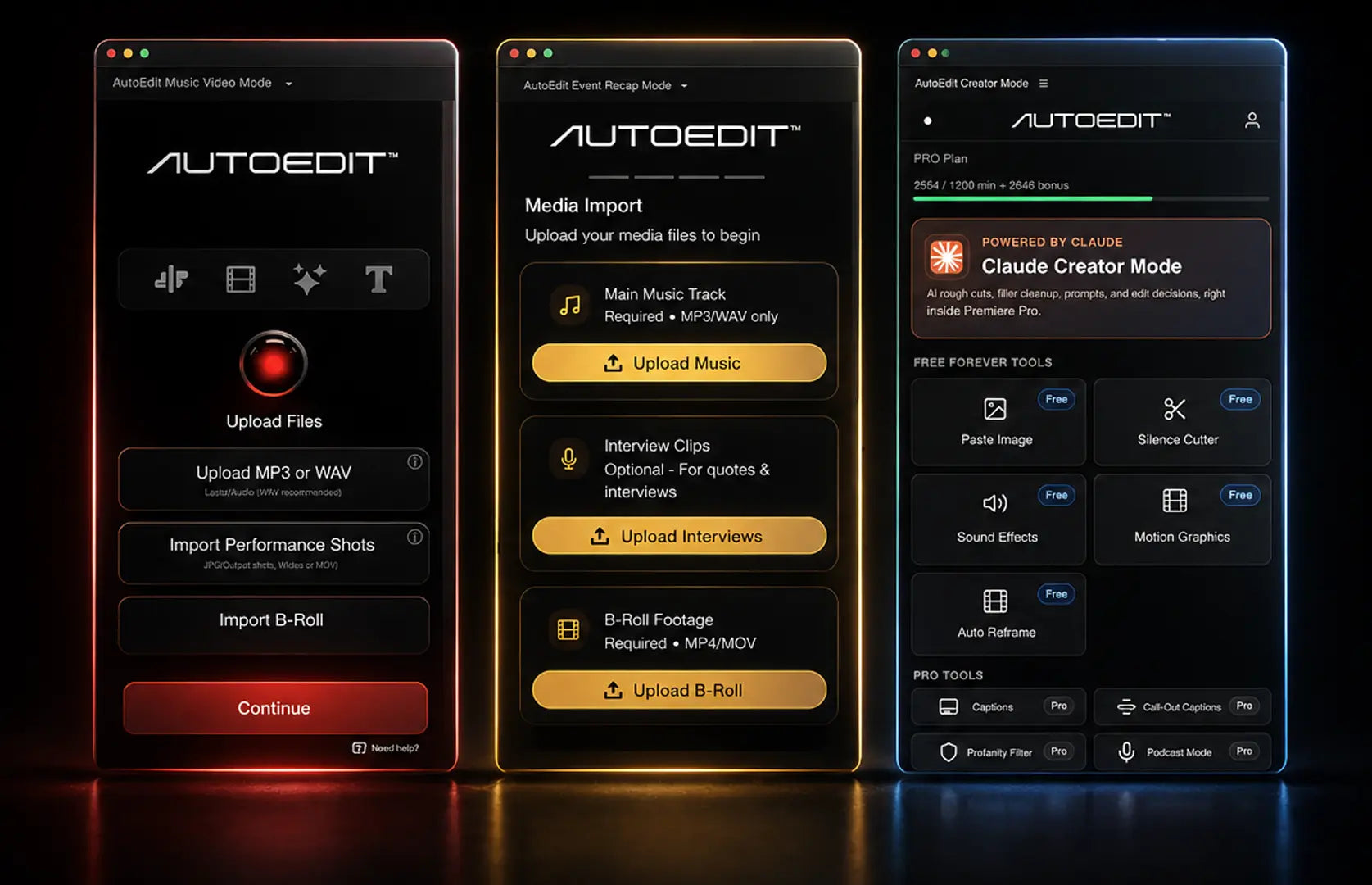
Use Event Recap Mode when you need a complete highlight-oriented starting timeline. Use a B-roll selection workflow when the main problem is finding usable supporting shots. For weddings, the better choice depends on whether assembly or footage discovery is the larger bottleneck.

Devin Huynh, founder of ELEVEN PERCENT and AutoEditDevin HuynhFounder, ELEVEN PERCENT · LinkedInScheduled Aug 15, 2026, 12:00 AM ICT · 6 min read
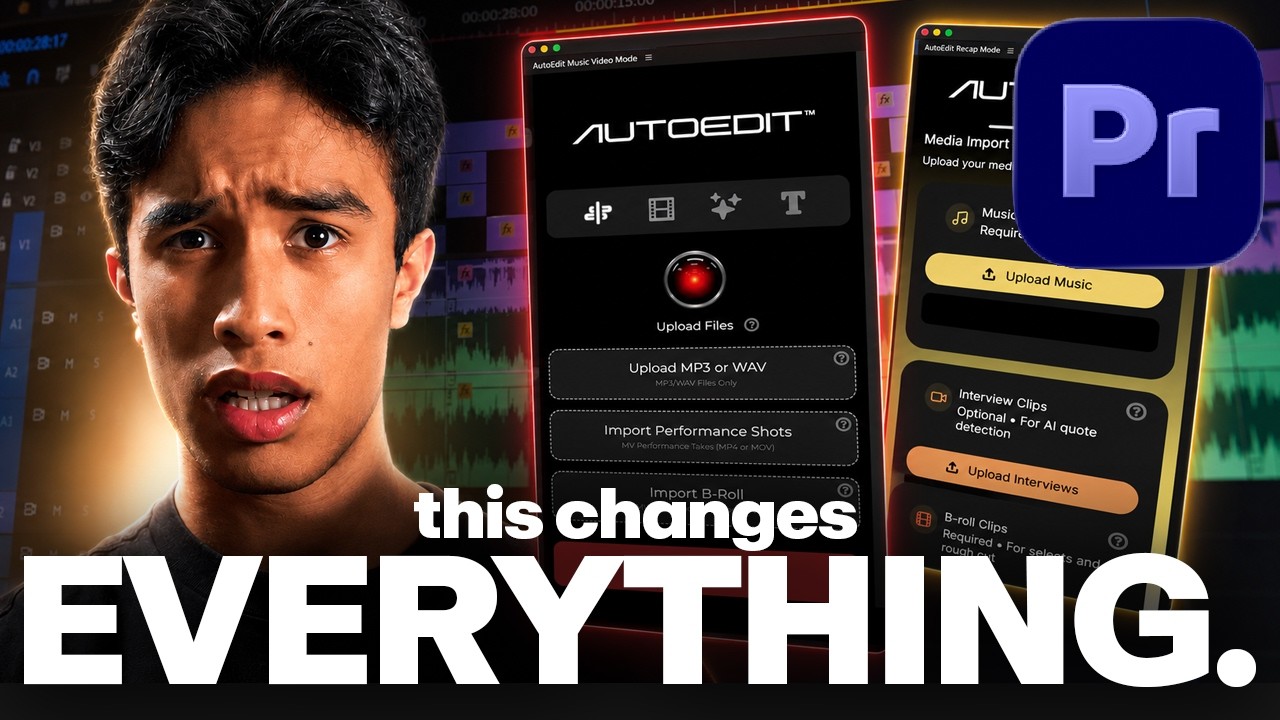
YouTube cover for Music Video Mode vs Event Recap Mode breakdown

What this means in a real edit

Use Event Recap Mode when you need a complete highlight-oriented starting timeline. Use a B-roll selection workflow when the main problem is finding usable supporting shots. For weddings, the better choice depends on whether assembly or footage discovery is the larger bottleneck. The practical goal is to shorten the distance between imported footage and a sequence you can evaluate with your own eyes and ears.

This guide is based on questions left by editors on the ELEVEN PERCENT YouTube channel. Test a short representative section, inspect every generated decision, and expand only after the sequence behaves as expected.

A reliable workflow

  1. Prepare the project. Organize media, verify frame rates, sync audio, and save a duplicate sequence.
  2. Define the deliverable. Decide aspect ratio, duration, audience, music, and the moments that cannot be missed.
  3. Run a short test. Use representative footage before processing the full job.
  4. Review the assembly. Watch without stopping once, then fix structure before individual shot details.
  5. Finish deliberately. Handle color, sound, titles, VFX, captions, and export checks after picture structure is stable.
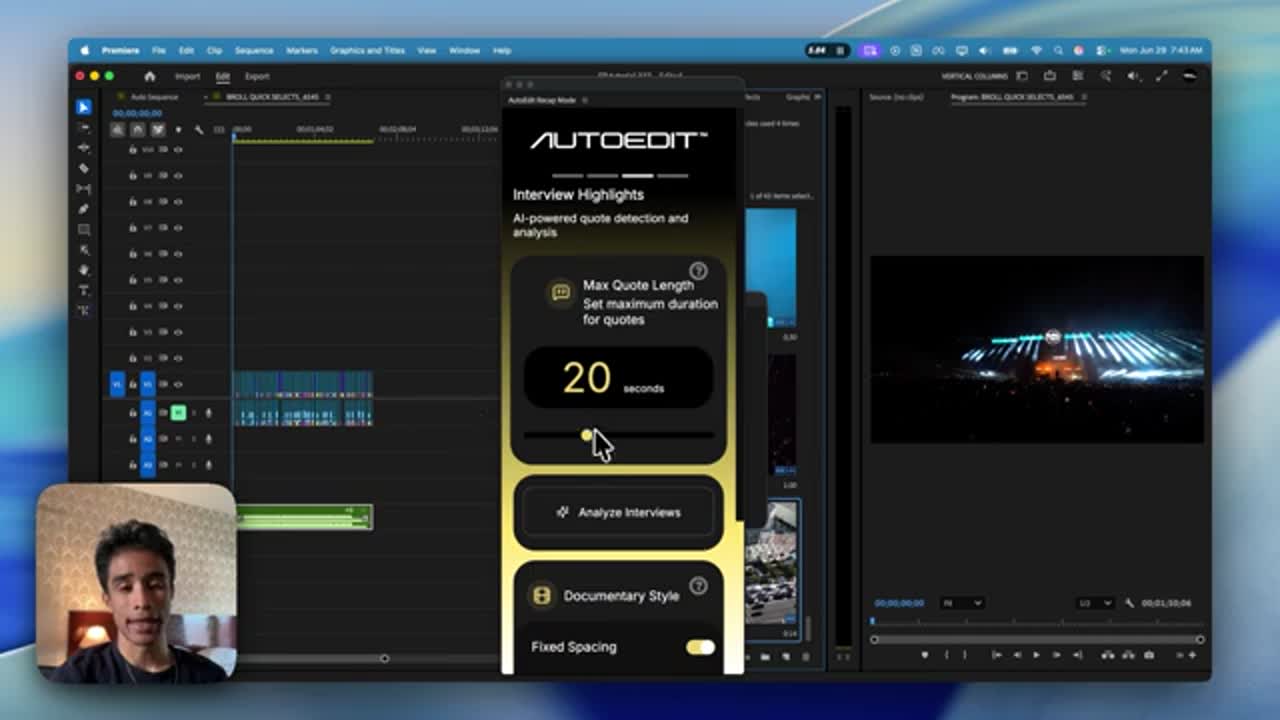
Premiere Pro timeline and AutoEdit controls shown during Music Video Mode vs Event Recap Mode breakdown

Watch the walkthrough

OFFICIAL SUPPORT

Continue with the step-by-step docs

The ELEVEN PERCENT help center includes installation, usage, BPM, B-roll, automatic cutting, VFX, interview, documentary, and troubleshooting instructions.

Selectr and B-roll guide →

Common mistakes to avoid

FAQ

Frequently asked questions

What is the fastest way to start event recap mode vs b-roll selector for weddings?

Use Event Recap Mode when you need a complete highlight-oriented starting timeline. Use a B-roll selection workflow when the main problem is finding usable supporting shots. For weddings, the better choice depends on whether assembly or footage discovery is the larger bottleneck.

Should I keep a backup sequence before using AutoEdit?

Yes. Duplicate and clearly label the working sequence before any automated pass. A backup makes A/B comparison easy and gives you a clean recovery point if media, timing, or settings need to be changed.

Does AutoEdit replace the editor?

No. AutoEdit accelerates repetitive preparation and first-pass assembly. The editor remains responsible for story, taste, continuity, client requirements, licensing, color, sound, and final quality control.

Where can I verify current compatibility and pricing?

Use the official Event Recap Mode product page linked in this guide. Product requirements and commercial terms can change, so the live product page is the source of truth.

Related AutoEdit guides